
 Generate01
FEED Automation / DDS
Build a governed Room Data Sheet, then drive 20–30 drawings or engineering views from the same source.

From design basis to compliant drawings in days, not months. Generate early-stage layouts, validate every drawing with the exact clause cited, and take FEED to an approval-ready decision.
§ 02 · The Problem
Engineers turn URS and room data into layouts, discipline by discipline.
A client change restarts the loop and creates cross-drawing drift.
Each issue is checked manually against internal and regulatory standards.
Scope, quantities and compliance evidence are rebuilt for sign-off.
Flux AI connects both loops: generate from one governed design basis, then validate every output with a source-linked verdict.
§ 03 · The Workflow
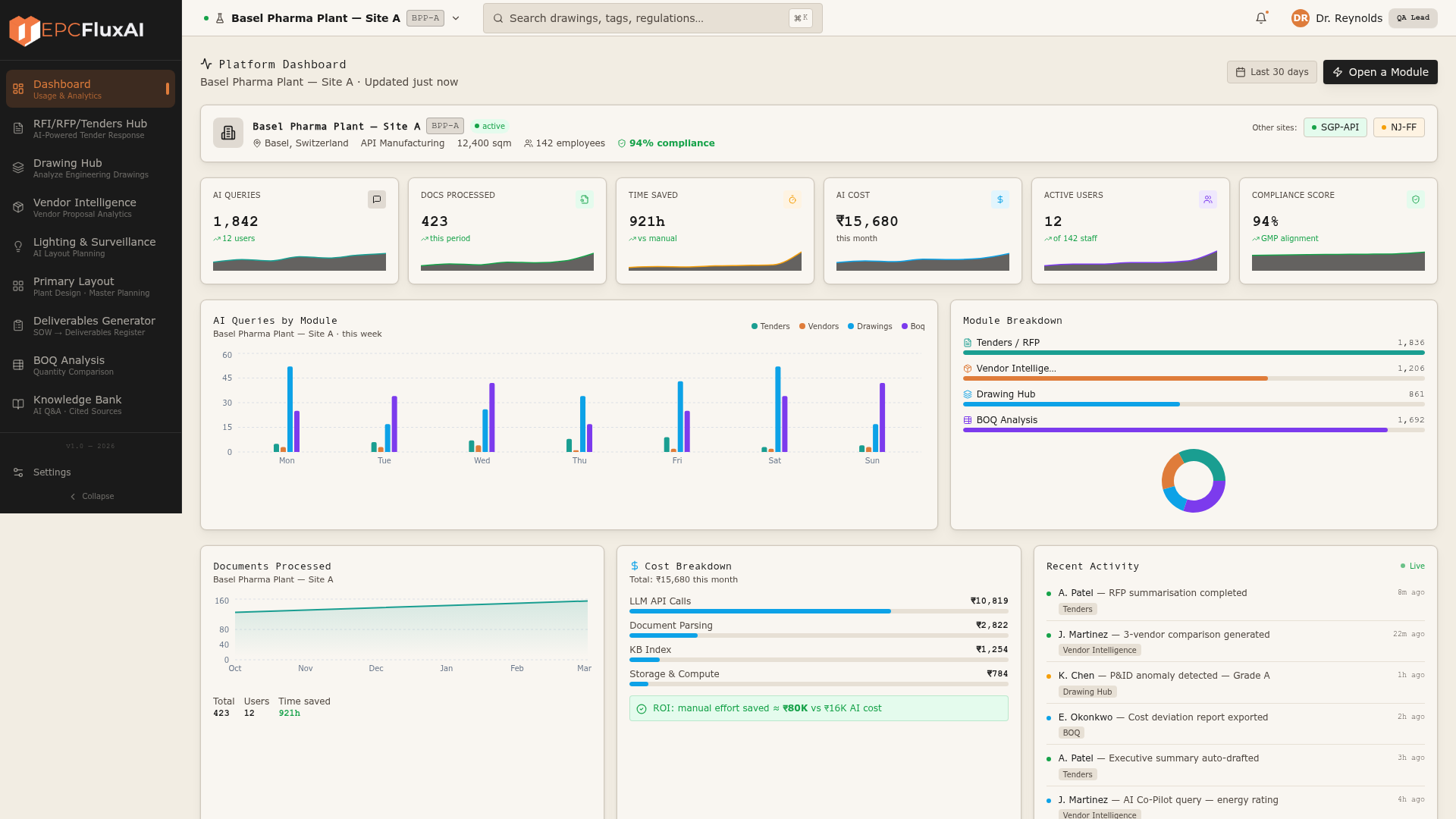
Generate, validate, estimate and compare on one governed operating layer. Tender and knowledge workflows extend the same intelligence across the project.
Build the room book and generate coordinated layouts
Apply controlled checklists with cited verdicts
Quantify scope and prepare approval evidence
Score technical and commercial fit transparently
§ 04 · Real Drawings
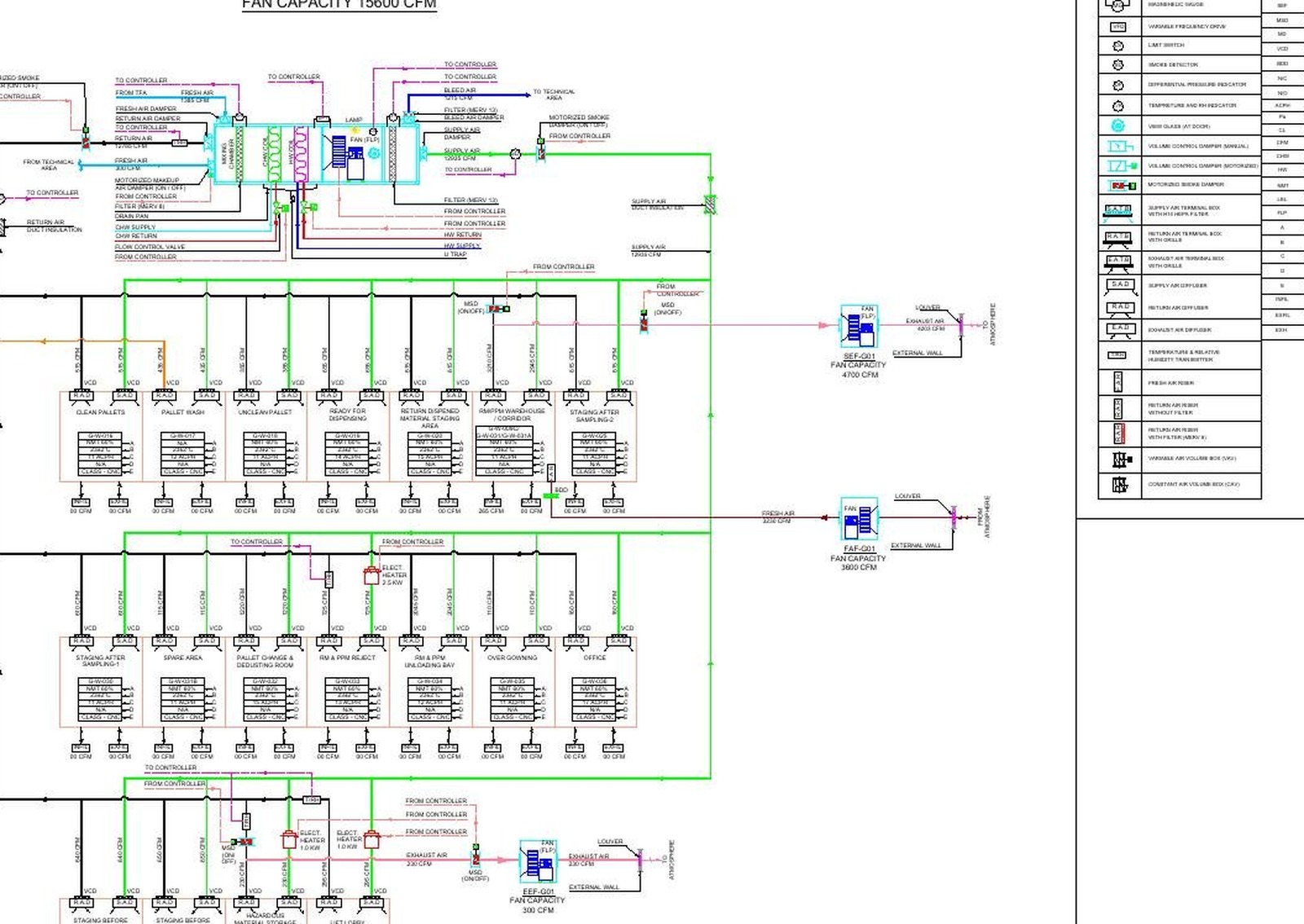
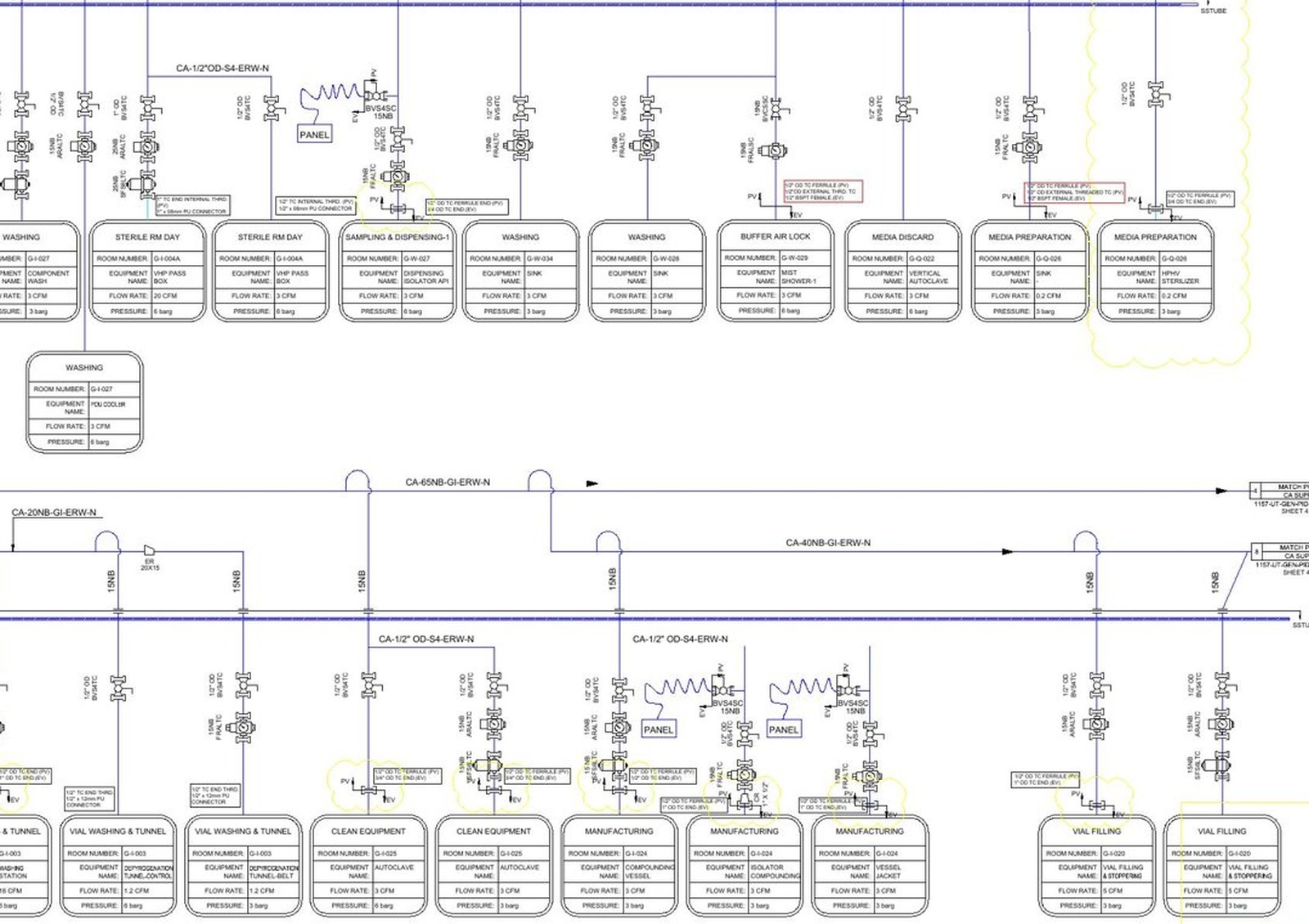
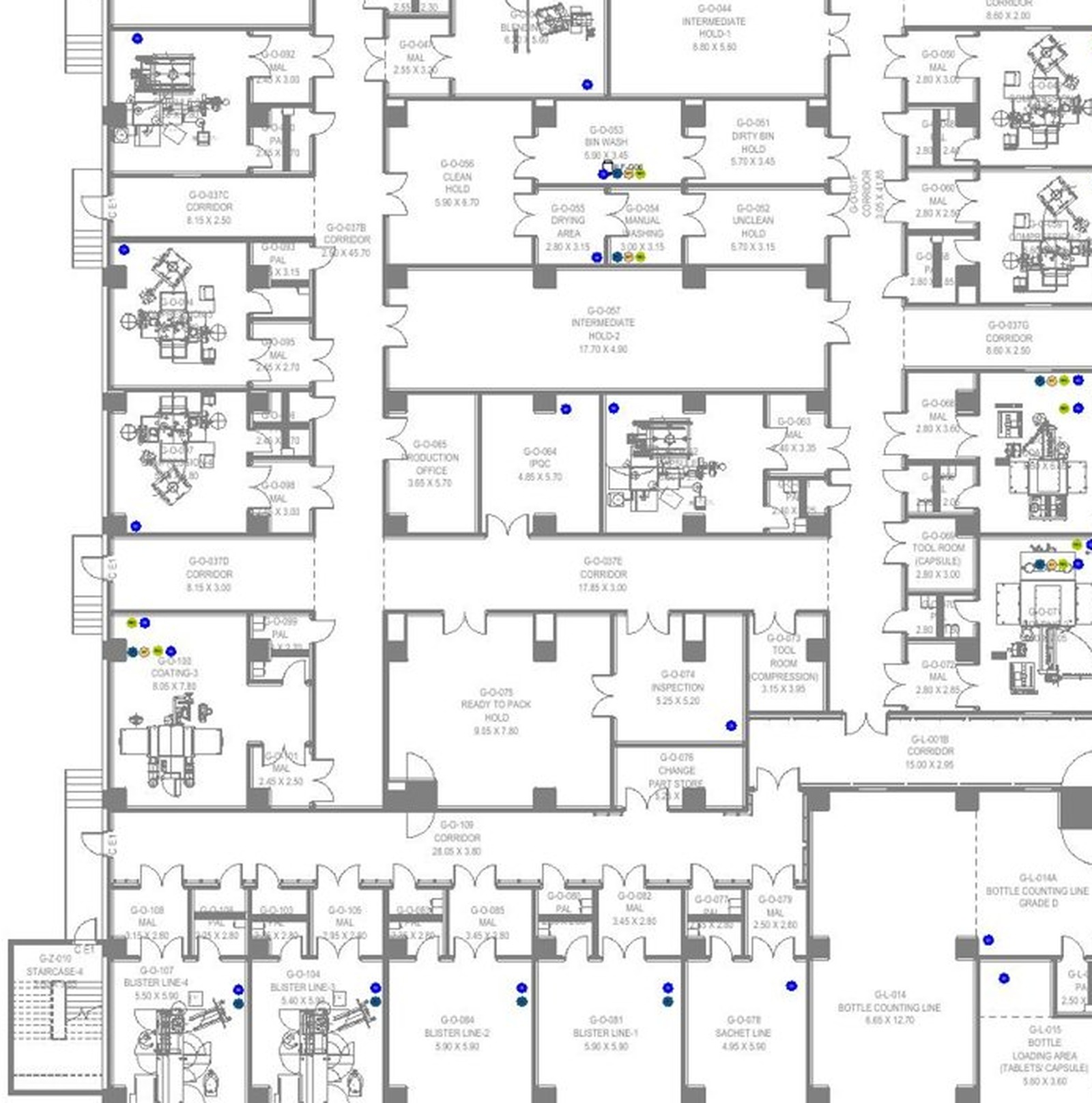
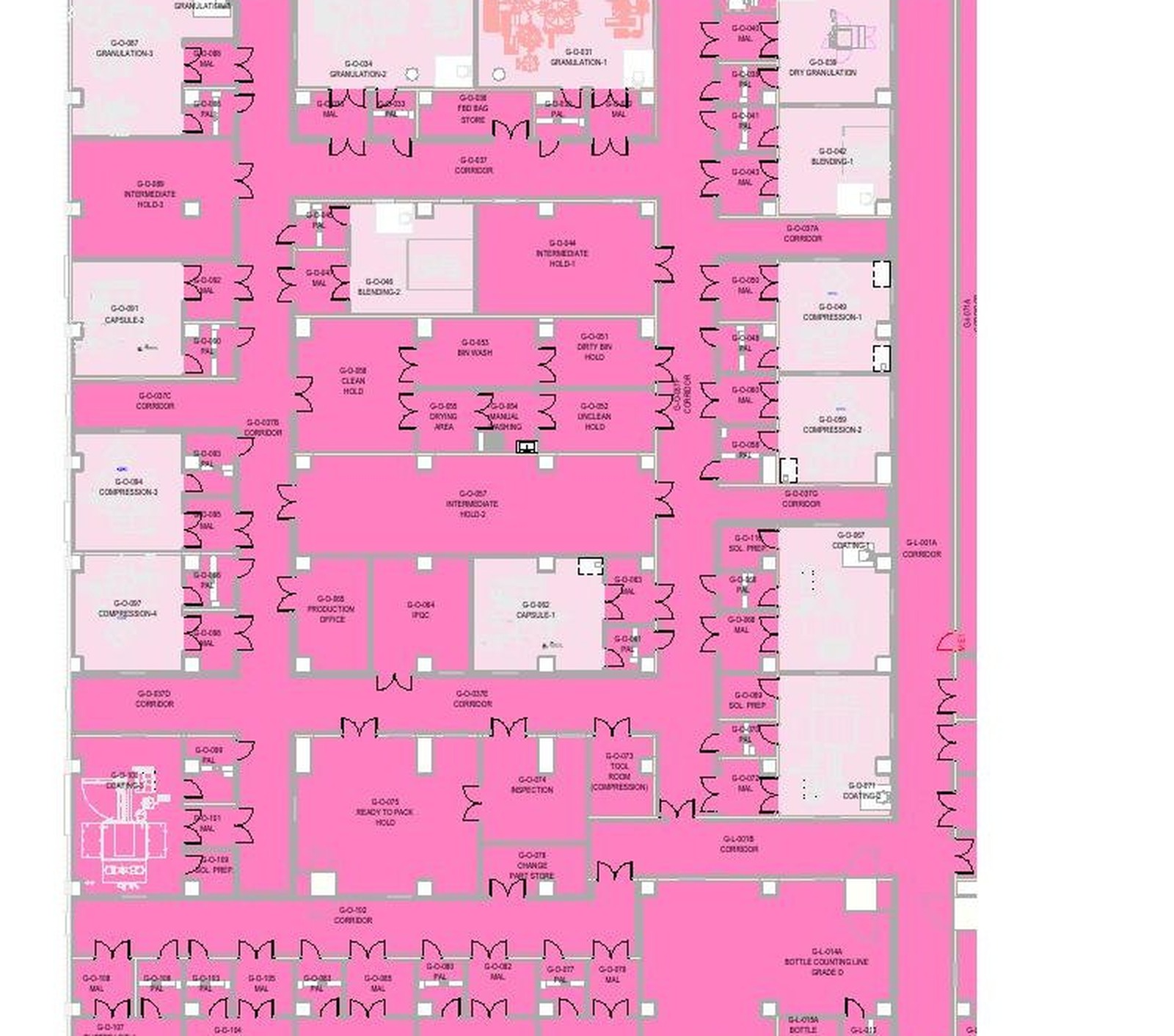
P&IDs, airflow schematics, ceiling layouts, point-of-use diagrams — Flux ingests them at full fidelity, then automates validation, BOM extraction and compliance scoring.
§ 05 · Architecture
Each layer is replaceable. Each layer is observable. Each layer is deployable on its own — a modular, cloud-native architecture built for pharmaceutical-grade reliability.
Contracts · drawings · invoices · vendor submissions · compliance files
OCR + LLM · classification · context-aware extraction · RAG knowledge base
Vendor scoring · cost comparison · risk analysis · recommendations
RFQ flows · approval chains · exception handling · notifications
Full traceability · audit logs · reference mapping · audit-ready output
§ 06 · Capabilities
FEED automation, validation, estimation and comparison form the core decision loop. Tender and knowledge workflows extend the same platform.
Generate01Build a governed Room Data Sheet, then drive 20–30 drawings or engineering views from the same source.
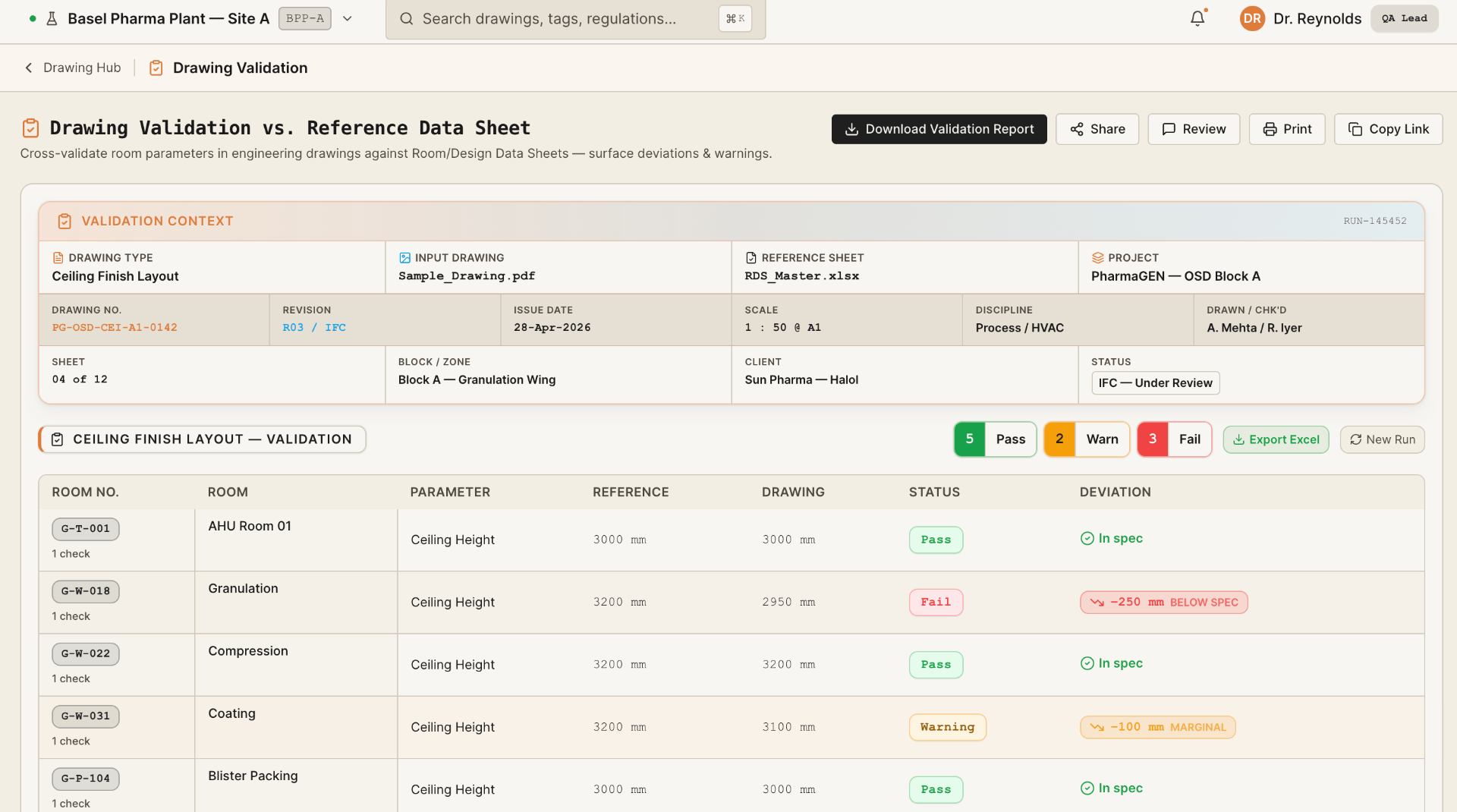 Validate02
Apply internal and regulatory checklists to P&IDs, HVAC and layouts, with a cited verdict for every issue.
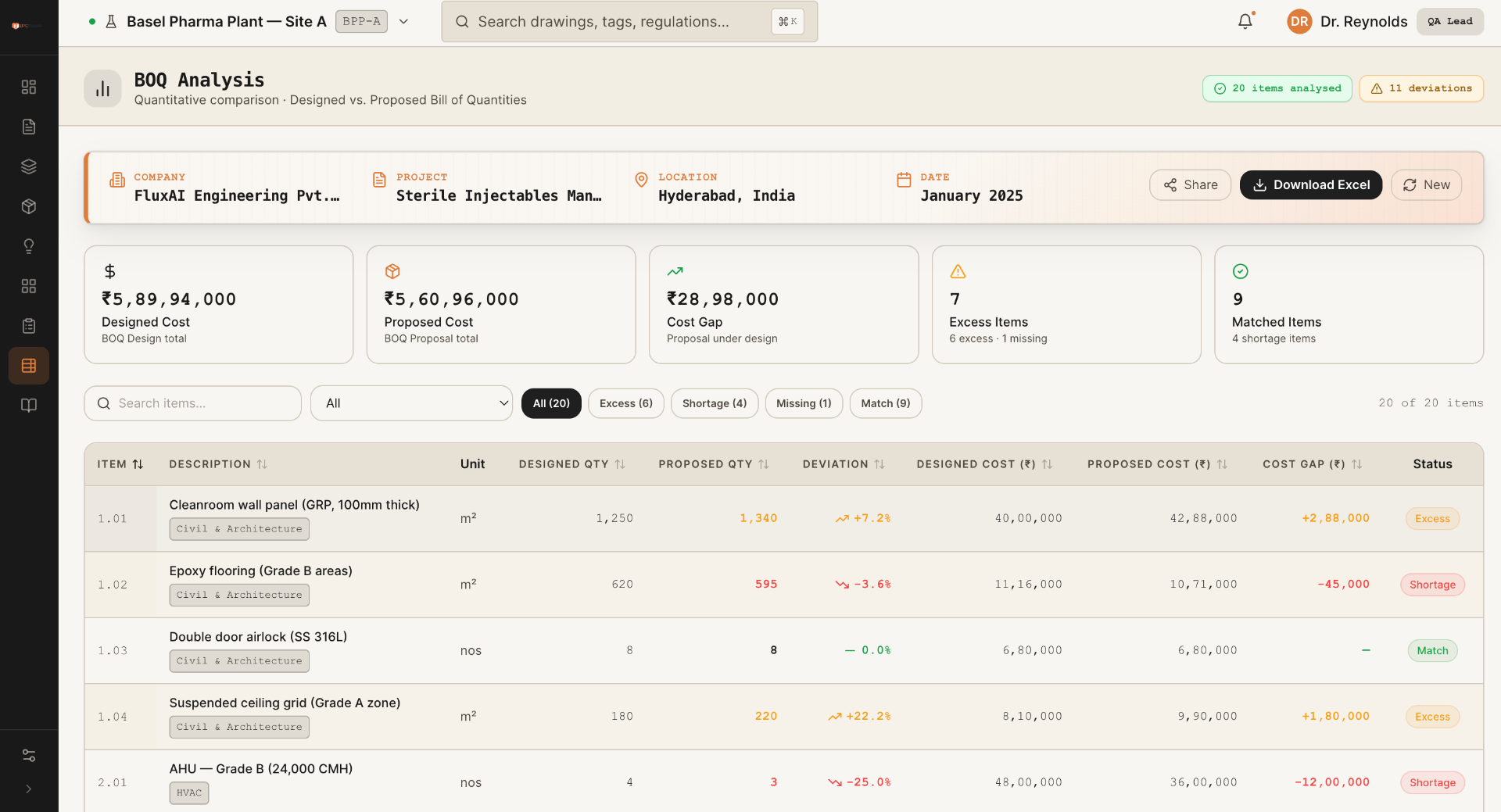 Estimate03
Extract quantities, apply project rates and issue a discipline-wise approval report.
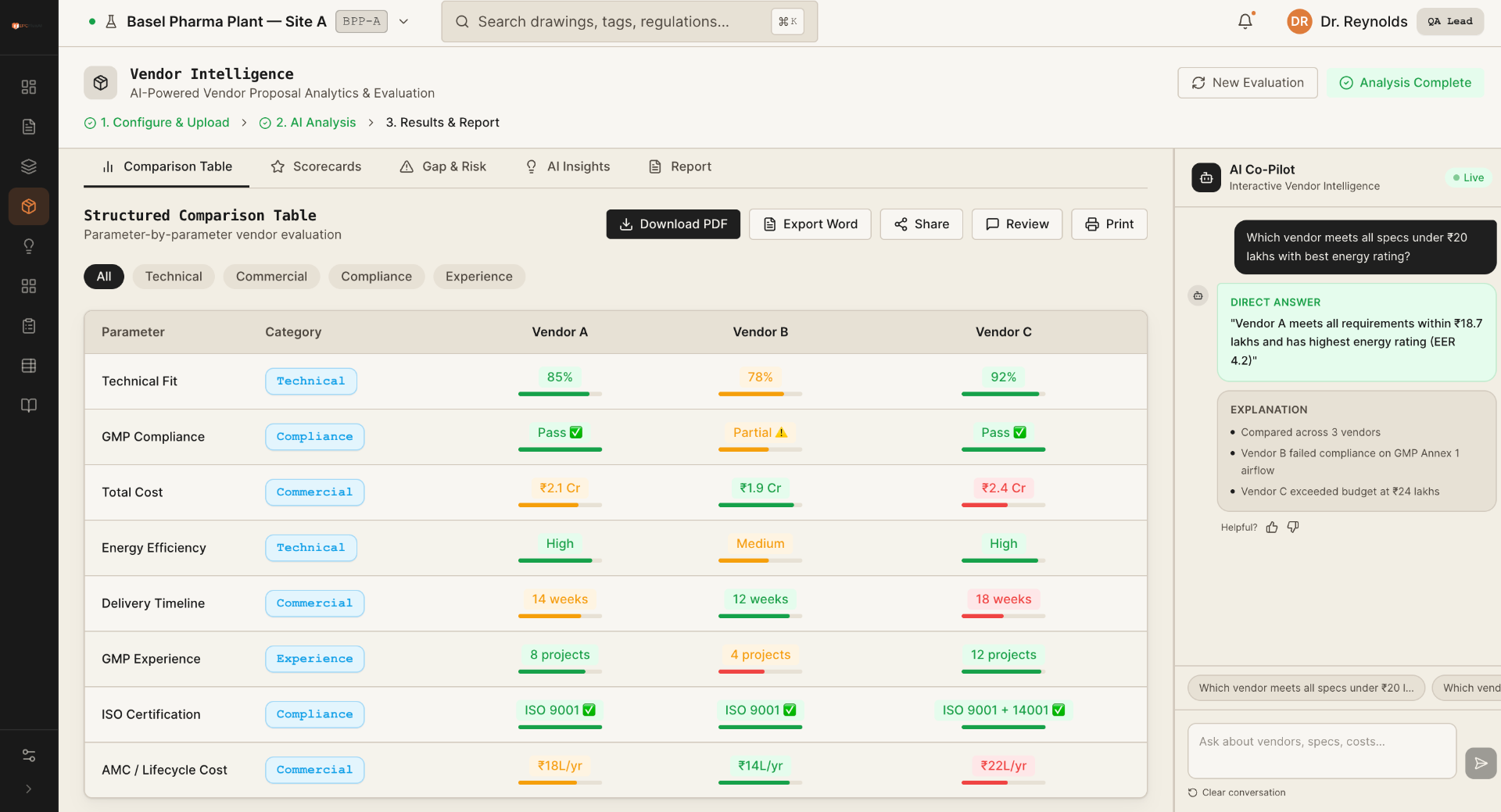 Compare04
Compare proposals against requirements with transparent scoring and risk flags.
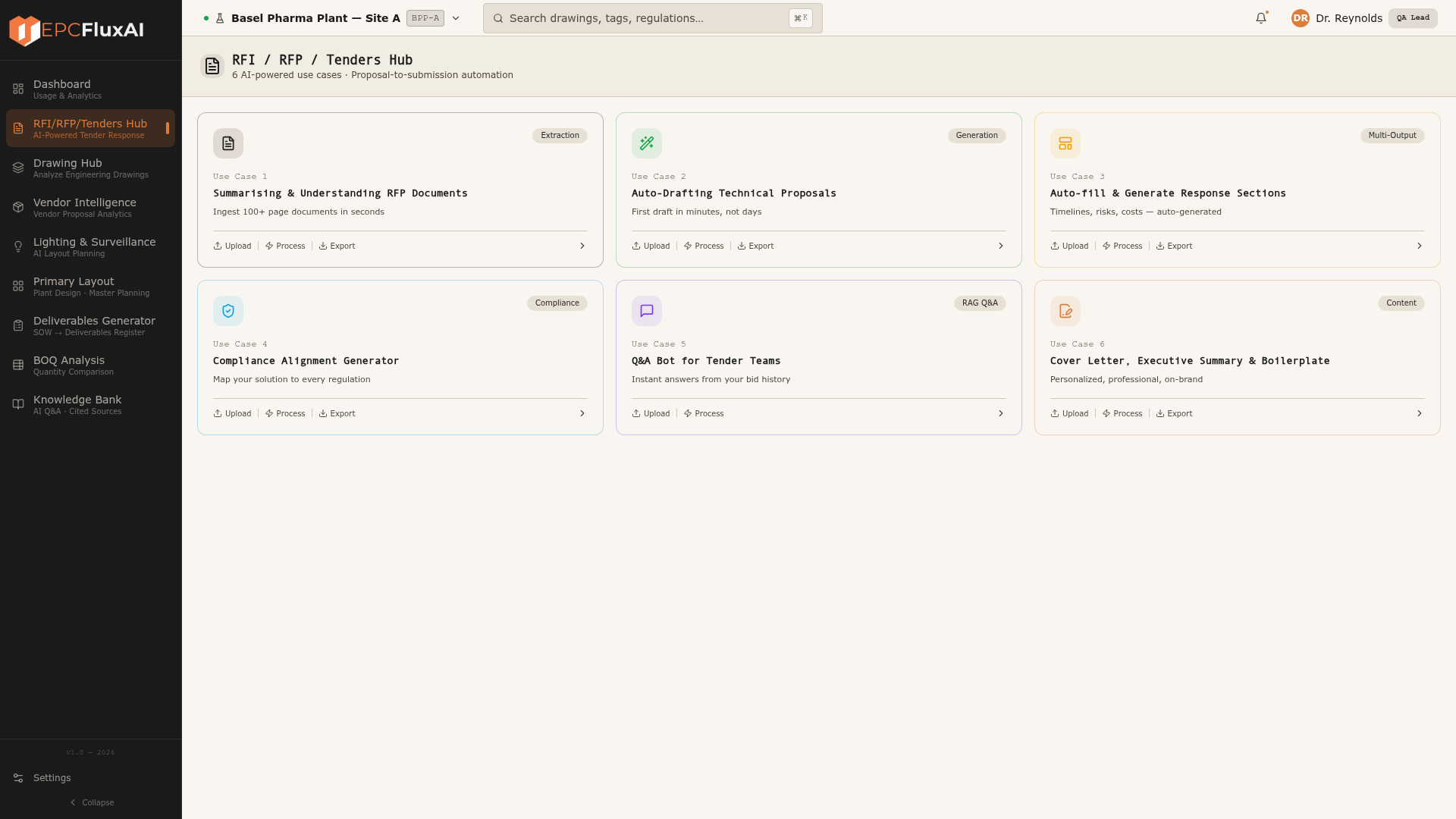 Extend05
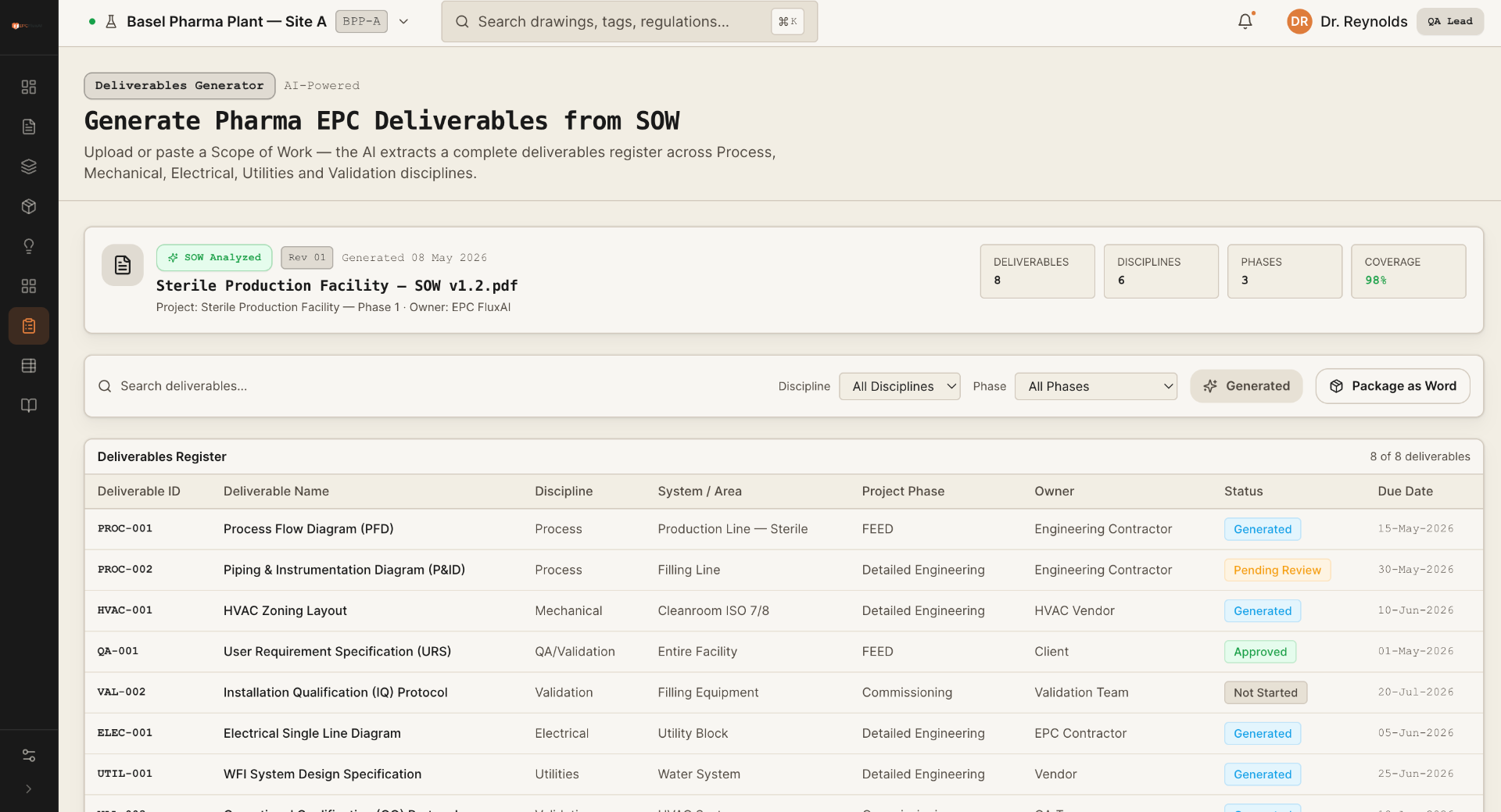
Parse scopes, generate a deliverables register and ground responses in the tender source.
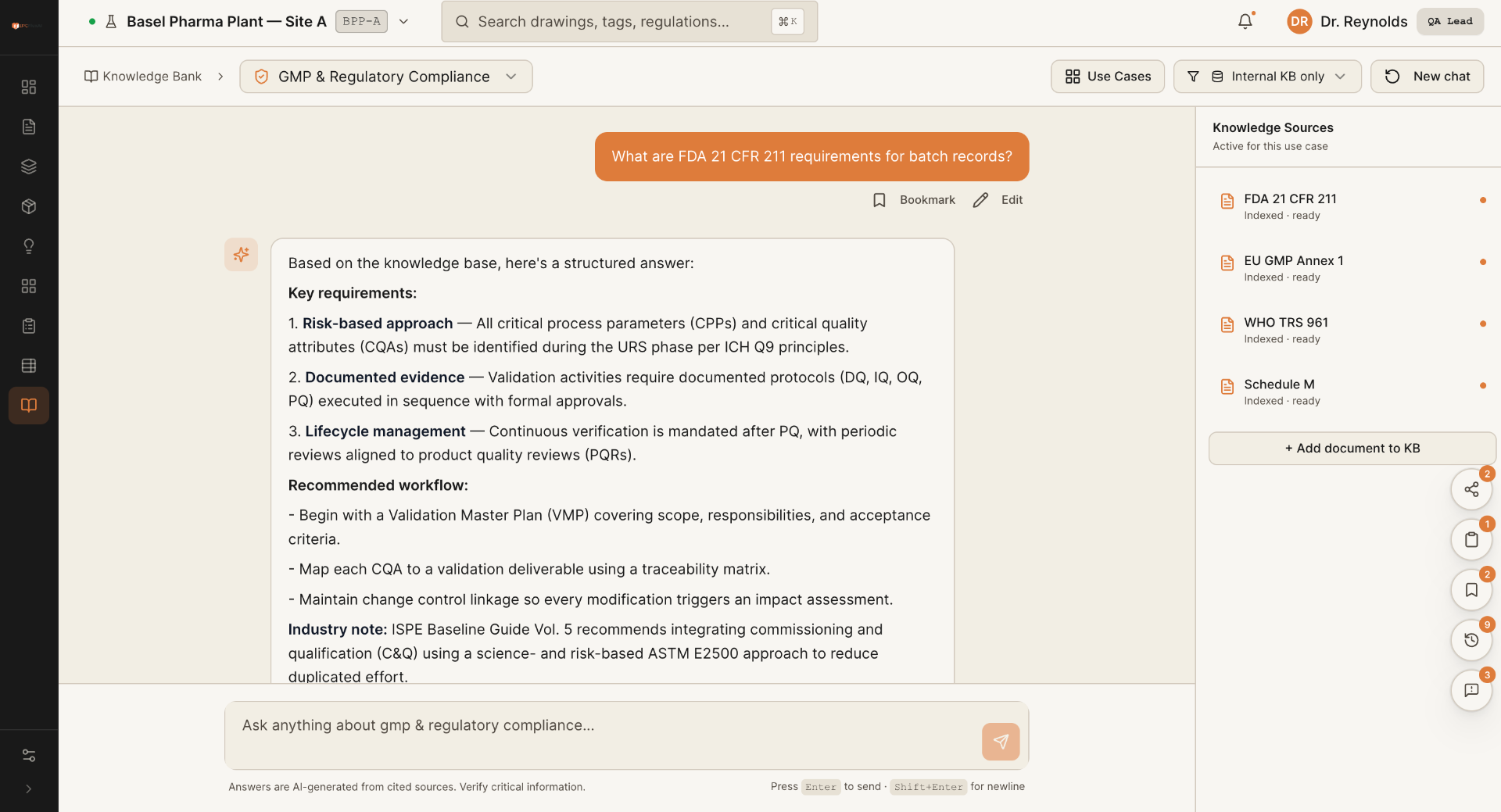 Extend06
Ask project and standards questions against a controlled knowledge base with citations.
FEED automation · Digital Design Studio
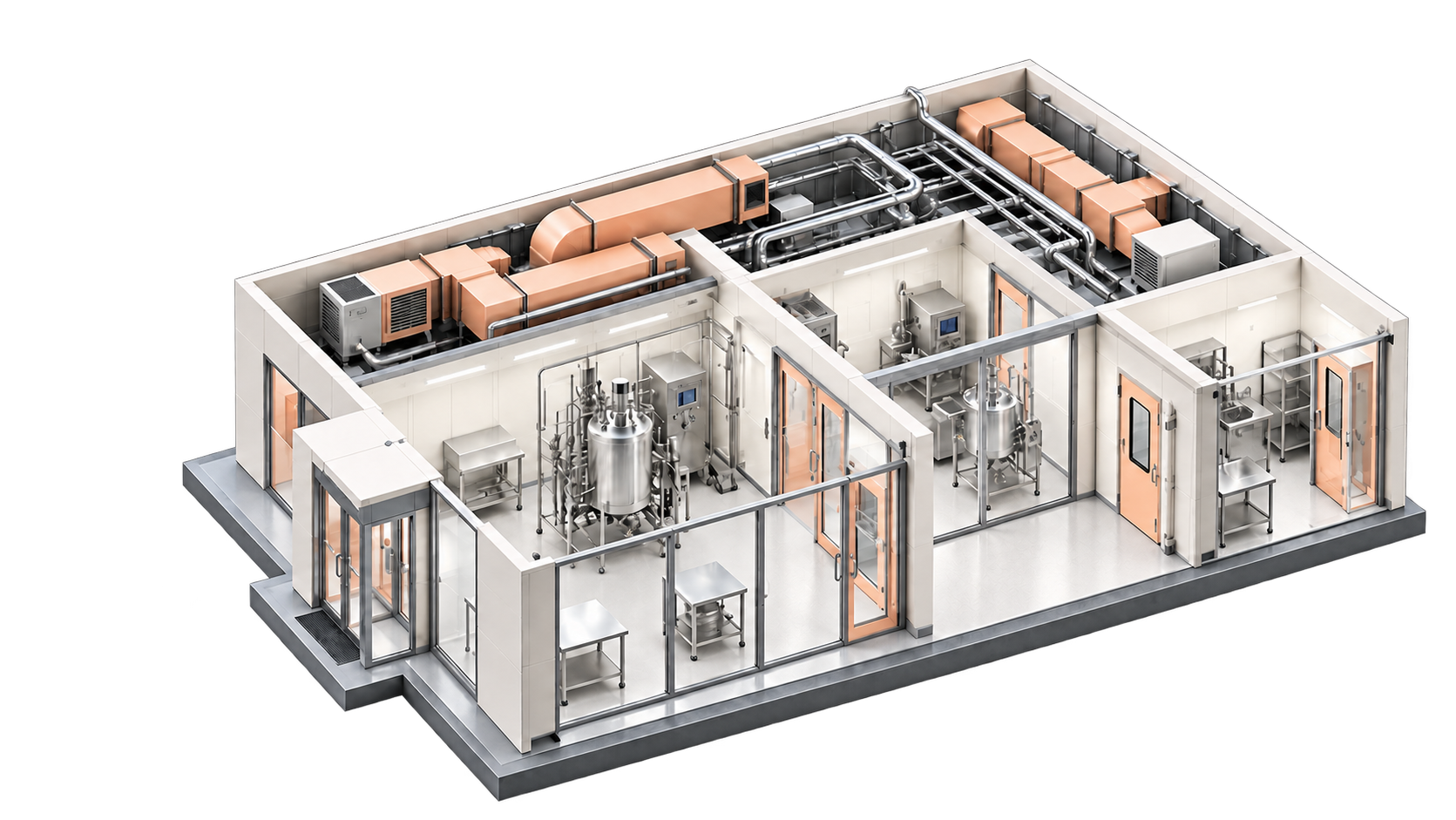
The DDS module structures every requirement into a governed room book. That room-by-room source drives layouts, quantities, estimates and approval evidence. Change an attribute once and every affected output remains aligned.
Design basis
Controlled by
Source citations · revision history · engineer review
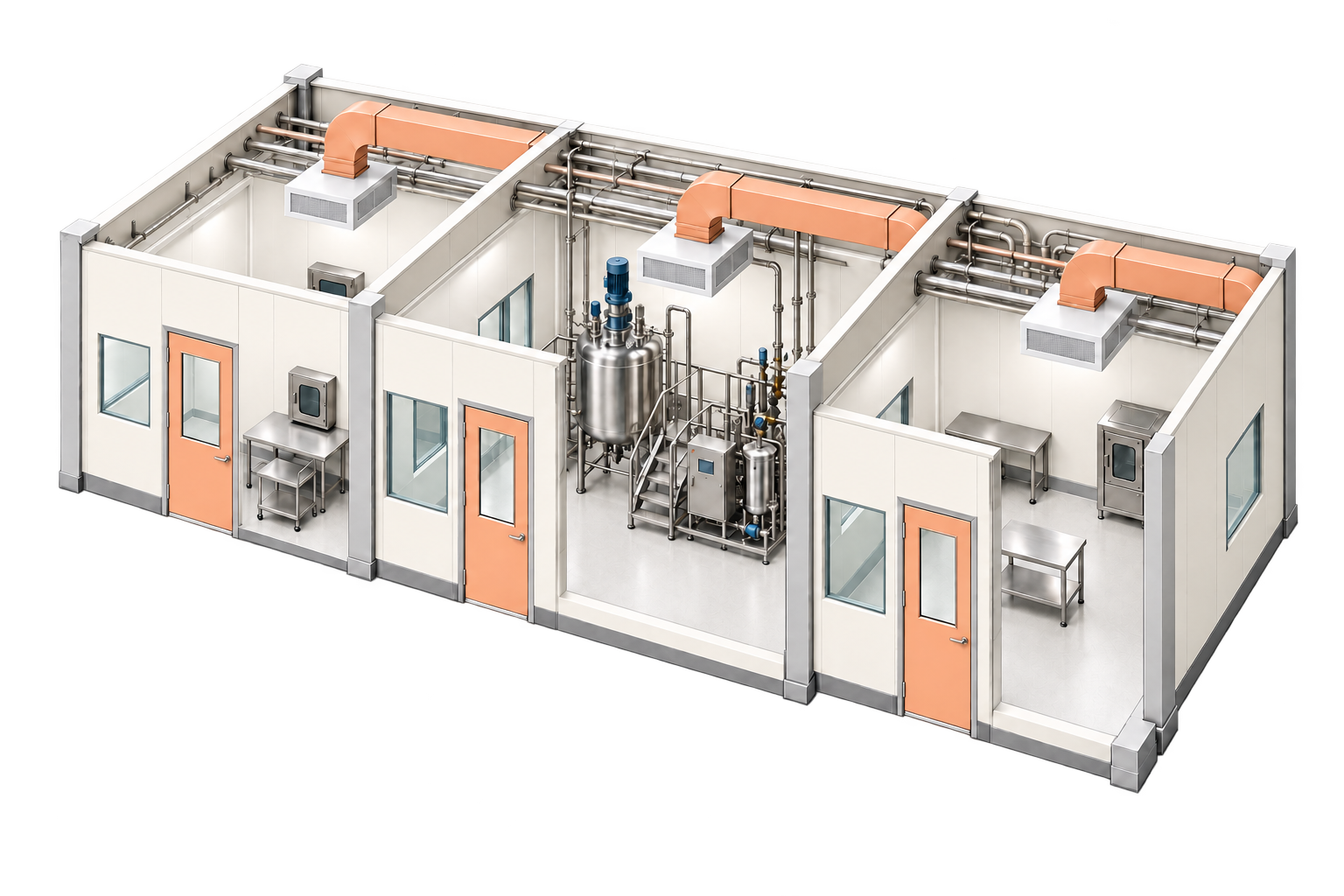
Generated · reviewed · revision-tracked
Generate coordinated layouts from one validated design basis.
A room change propagates across drawings, quantities and revisions.
Bring BOM, BOQ and ballpark estimates into the FEED decision.
The integrated FEED path
Room data, equipment, services, quantities and compliance evidence stay connected through review and approval.
URS · process brief
Governed source
20–30 views
Quantified scope
Cited verdicts
Funded decision
§ 07 · Agents
Flux agents read, decide and act across your operational stack — coordinating with humans at every approval boundary. Specialist agents handle ingestion, retrieval, comparison, validation and generation, all under one governance plane.

§ 08 · Compliance
Every Flux output ships with citations, lineage and an audit trail — ready for regulator review.
§ 09 · Specs
§ 10 · FAQ
Flux AI is an AI operating layer for FEED process automation. It connects design inputs, governed room data, drawing generation, cited validation, cost estimation and engineer approval.
No. Flux AI sits above the engineering tools teams already use. It adds a governed design basis, automation, validation and decision evidence, then returns outputs to the existing toolchain.
Yes. Flux is built pharma-grade — outputs are audit-ready, cited against your standards (WHO GMP, EU Annex 1, FDA 21 CFR, ICH Q7), with full lineage on every answer.
Yes. Most customers begin with a single hub (commonly Drawing Hub or Tenders Hub) on a 30-day pilot, then expand module-by-module.
Generic copilots answer from public training data. Flux is grounded in your engineering standards, drawings and project history — every output cites its source and clears your approval workflow.
Flux can be deployed on managed cloud or your private cloud. Your prompts, drawings and project data never train third-party foundation models.
§ 11 · Next Step